September all over again. That feeling when the air starts to change just a little bit and you realize the summer is finally winding down. It reminds me a lot of that song, you know? It’s that bittersweet feeling of moving from the bright, loud energy of August into something a bit more quiet and organized. For me, as a designer, September is like a fresh start. It’s when people get back to their routines, students head back to school, and we all start looking at our calendars a bit more closely to see what the rest of the year has in store.
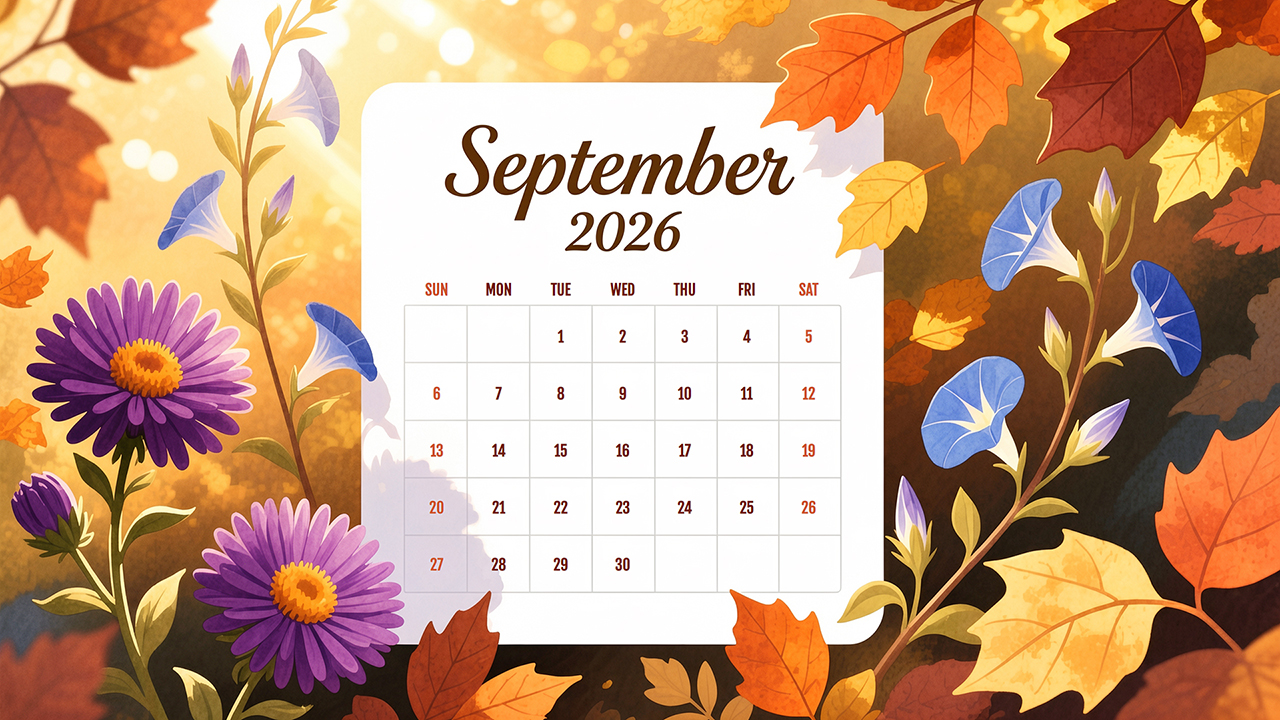
Download: 1280×720 | 1920×1080 | 2560×1440
There is something special about this month. The colors change from bright greens to deep oranges, yellows, and reds. It’s a visual shift that really impacts how we feel. When I sit down at my desk to start working, the first thing I see is my computer screen. If my desktop is messy or has a boring, default background, it makes me feel a bit unorganized. But when I have a beautiful, clean wallpaper that actually helps me see the date, it changes my whole mood. It makes my workspace feel intentional.
I spent some time putting together a collection of September 2026 wallpapers. I wanted to make sure there was something for everyone. Some people like things very simple and clean, while others love the cozy, messy look of autumn leaves and flowers. Whether you use a PC running Windows, a MacBook with macOS, or even a computer running Linux, these images are designed to look great on any high-resolution screen. I really tried to capture that “September vibe”—that mix of cozy fall feelings and the need to get things done.
Table of Contents
- Why Use a Calendar Wallpaper?
- September 2026 Wallpaper List
- How to Apply Your New Wallpaper
Why Use a Calendar Wallpaper in September 2026?
You might be wondering if it’s worth it to change your background just for one month. I think it is. We spend so much time looking at our screens. If you are a student, a professional, or just someone who spends a lot of time online, your desktop is your digital home.
Using a calendar wallpaper is a tiny bit of “life hack” for your brain. Instead of clicking through your phone or opening a separate app every time you want to check what day of the week it is, you can just glance at your desktop. It helps with planning. If you see that a certain Friday is coming up, you can mentally prepare for it. It’s a small way to stay on top of your schedule without the stress of constantly checking notifications.
Also, it’s about the aesthetic. September marks the start of the “cozy season.” By picking a wallpaper with fall colors or soft floral designs, you are bringing that seasonal feeling into your office or bedroom. It makes your digital space feel more human and less like just a tool. It’s a way to celebrate the passing of time and the beauty of the seasons.
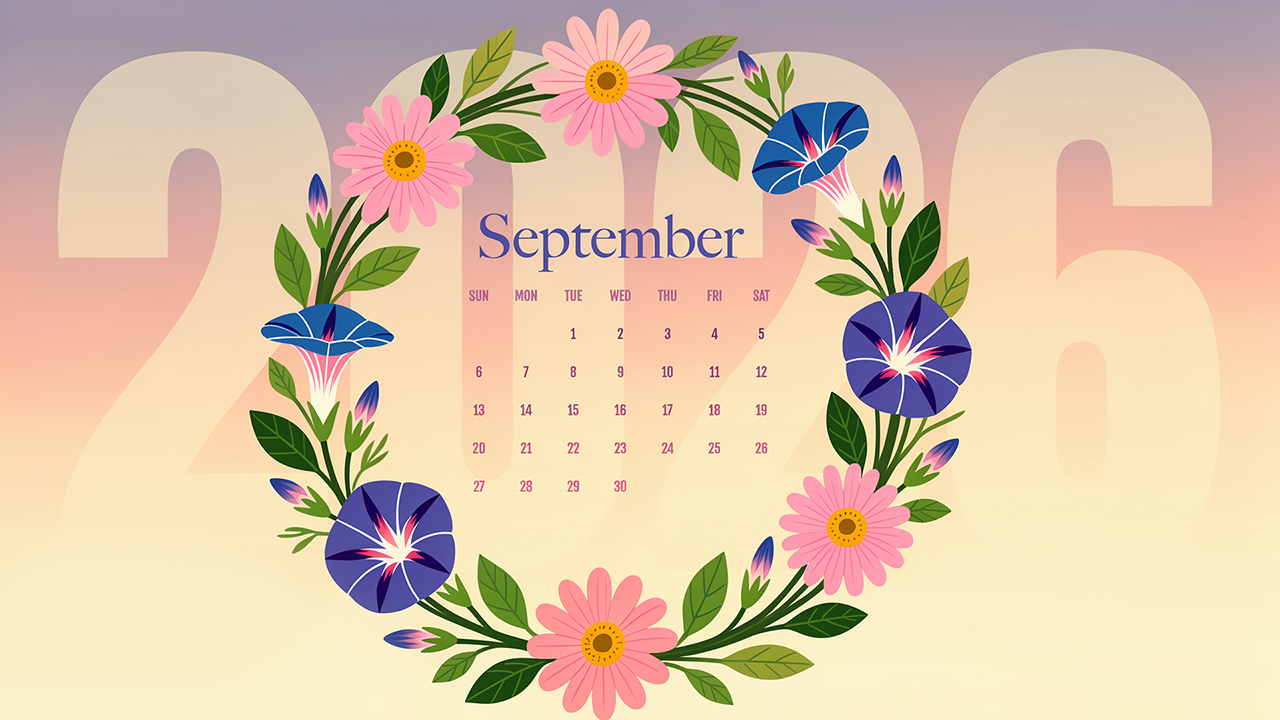
September 2026 Calendar | Floral Wreath Wallpaper
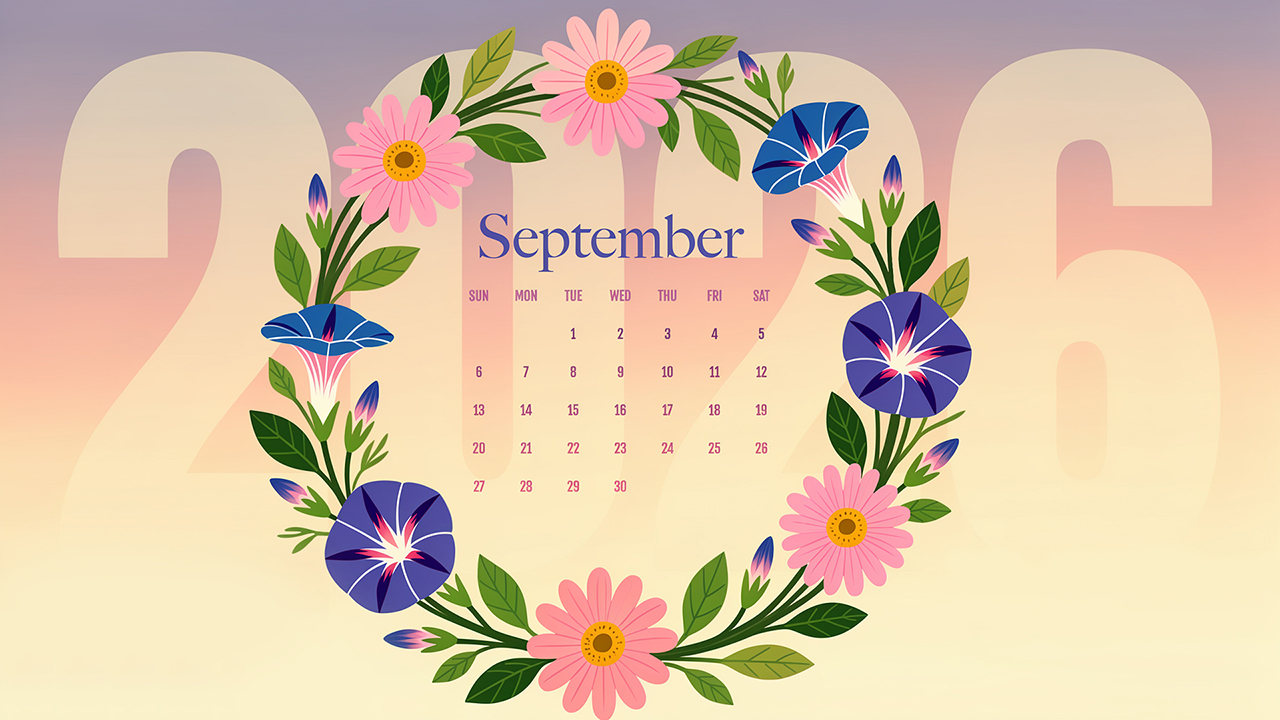
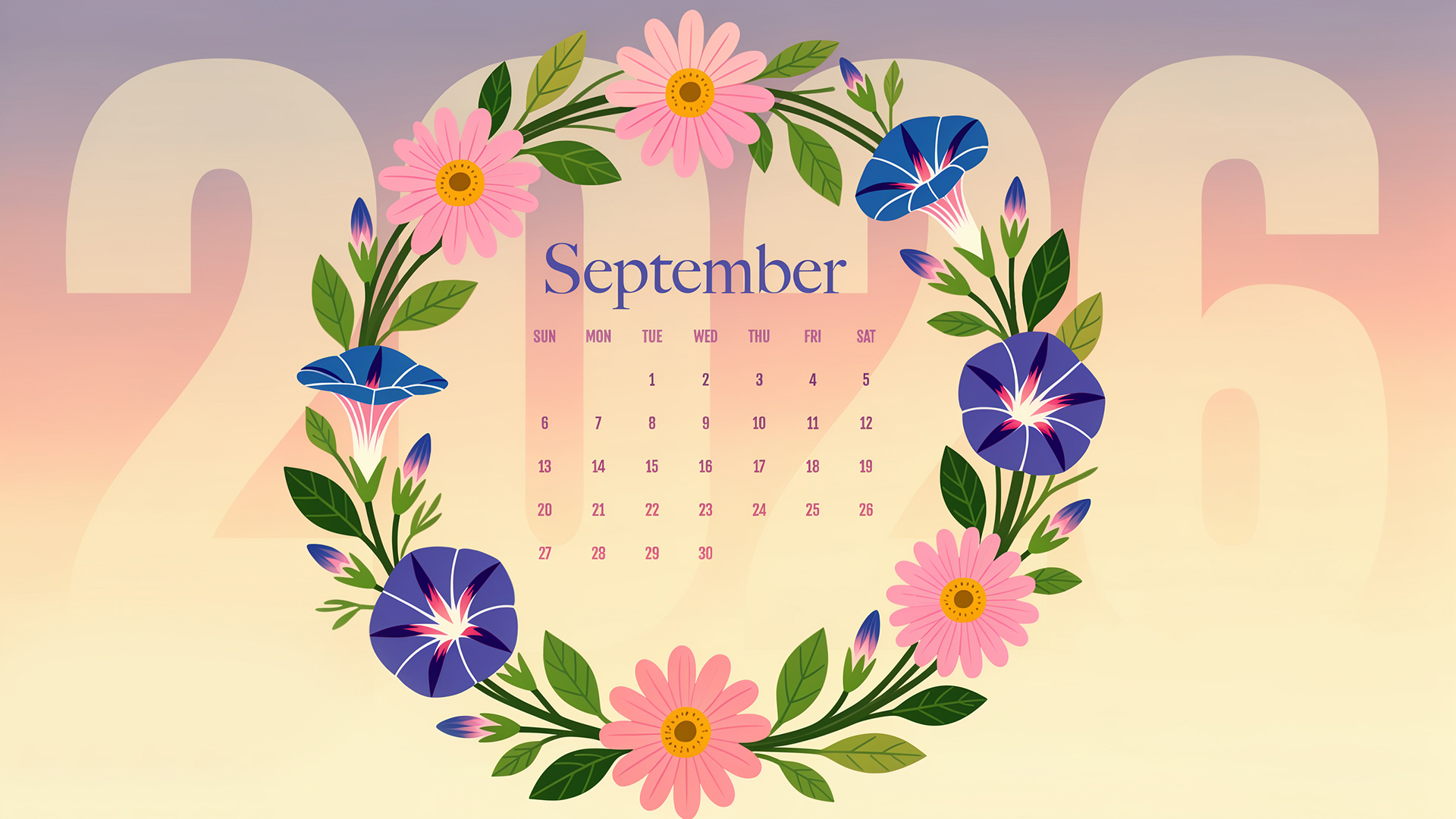
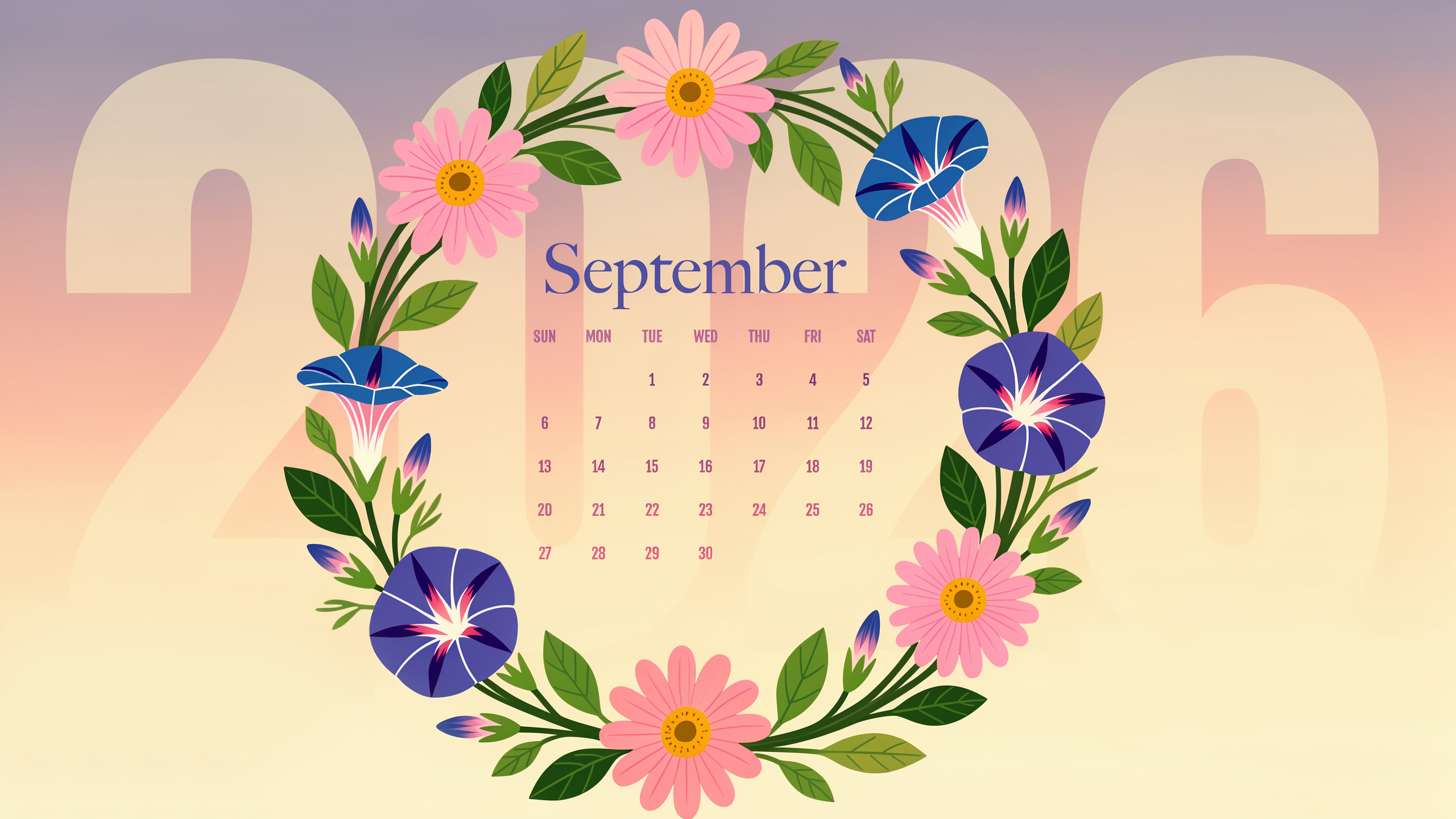
This wallpaper features a lovely circle of flowers. You can see pink daisies and blue morning glory type flowers arranged in a nice wreath. It is a very gentle and calm look that won’t hurt your eyes. The background has a soft, warm glow that makes it feel like a sunny morning. It is great if you want something pretty but not too distracting while you work on your PC or laptop. It brings a little bit of nature to your screen.
Download: 1280×720 | 1920×1080 | 2560×1440
Hello September Calendar
This design is very bright and friendly. It has a big “Hello September” message written in a nice font. There are lots of colorful autumn leaves in shades of orange and red scattered around the edges. It feels very energetic and welcoming. If you want to start your month with a positive and happy feeling, this is the one to pick. It is a simple but very effective way to welcome the new season to your desktop.

Download: 1280×720 | 1920×1080 | 2560×1440



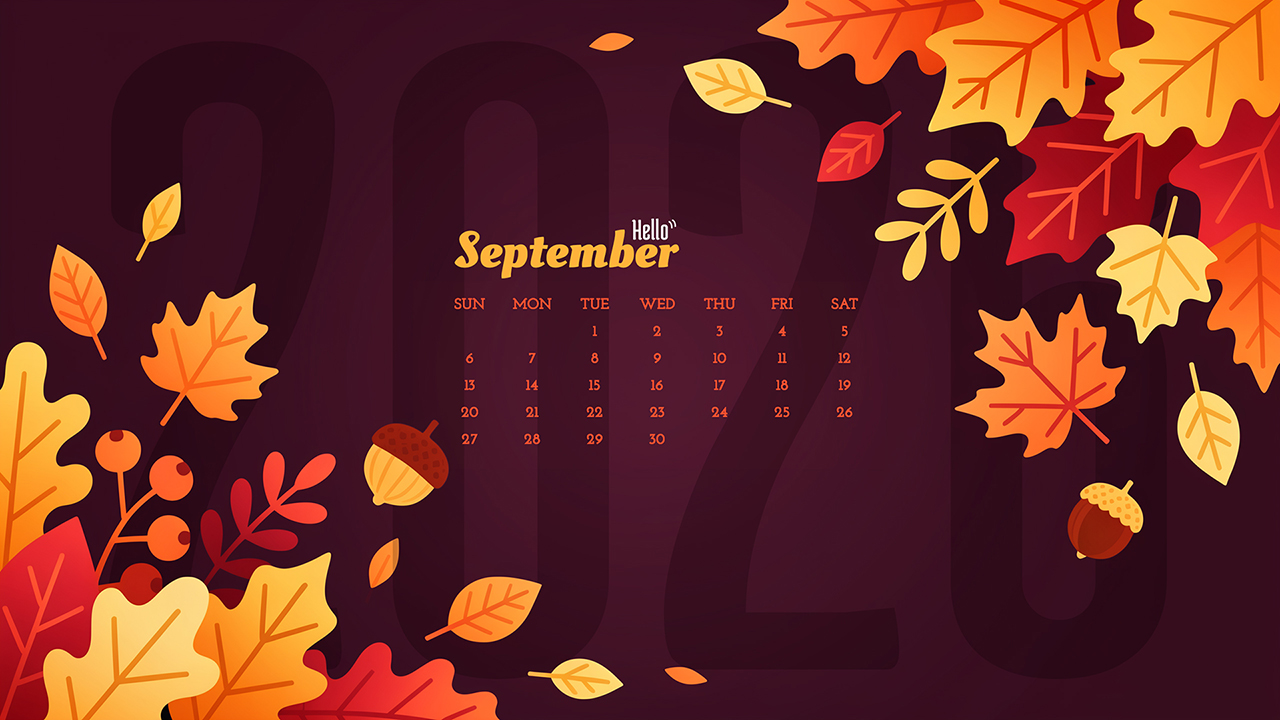
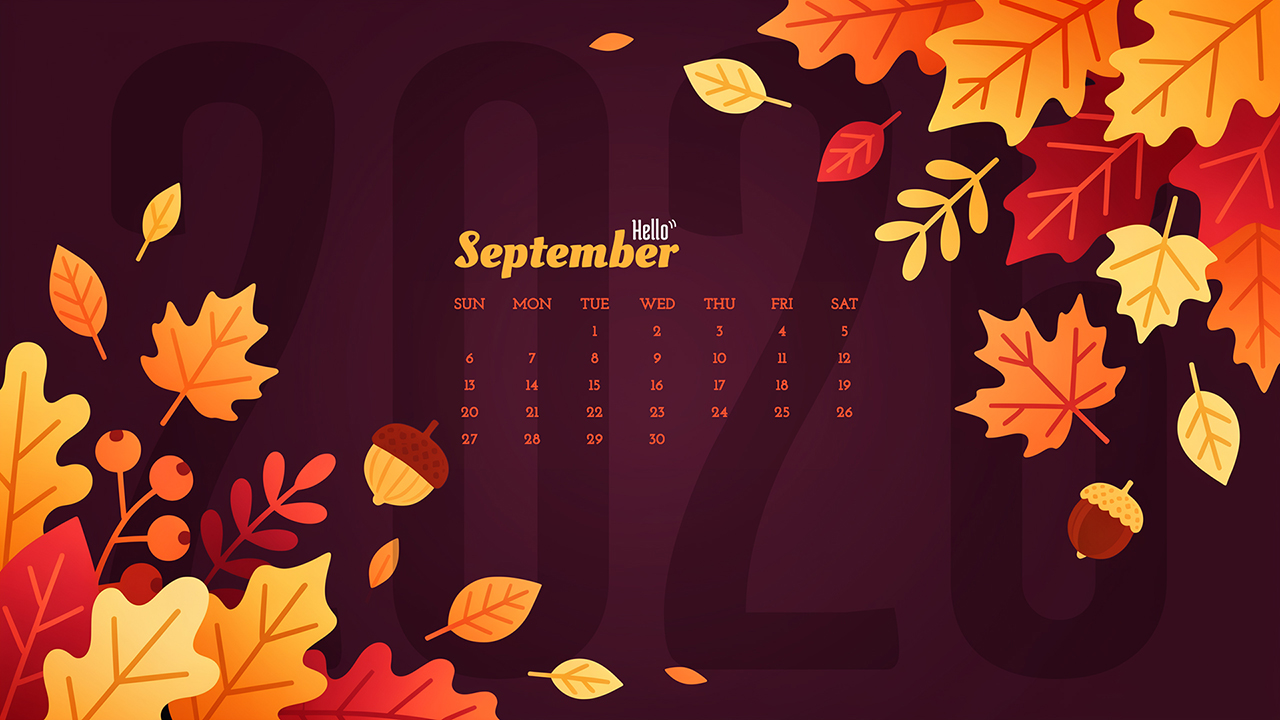
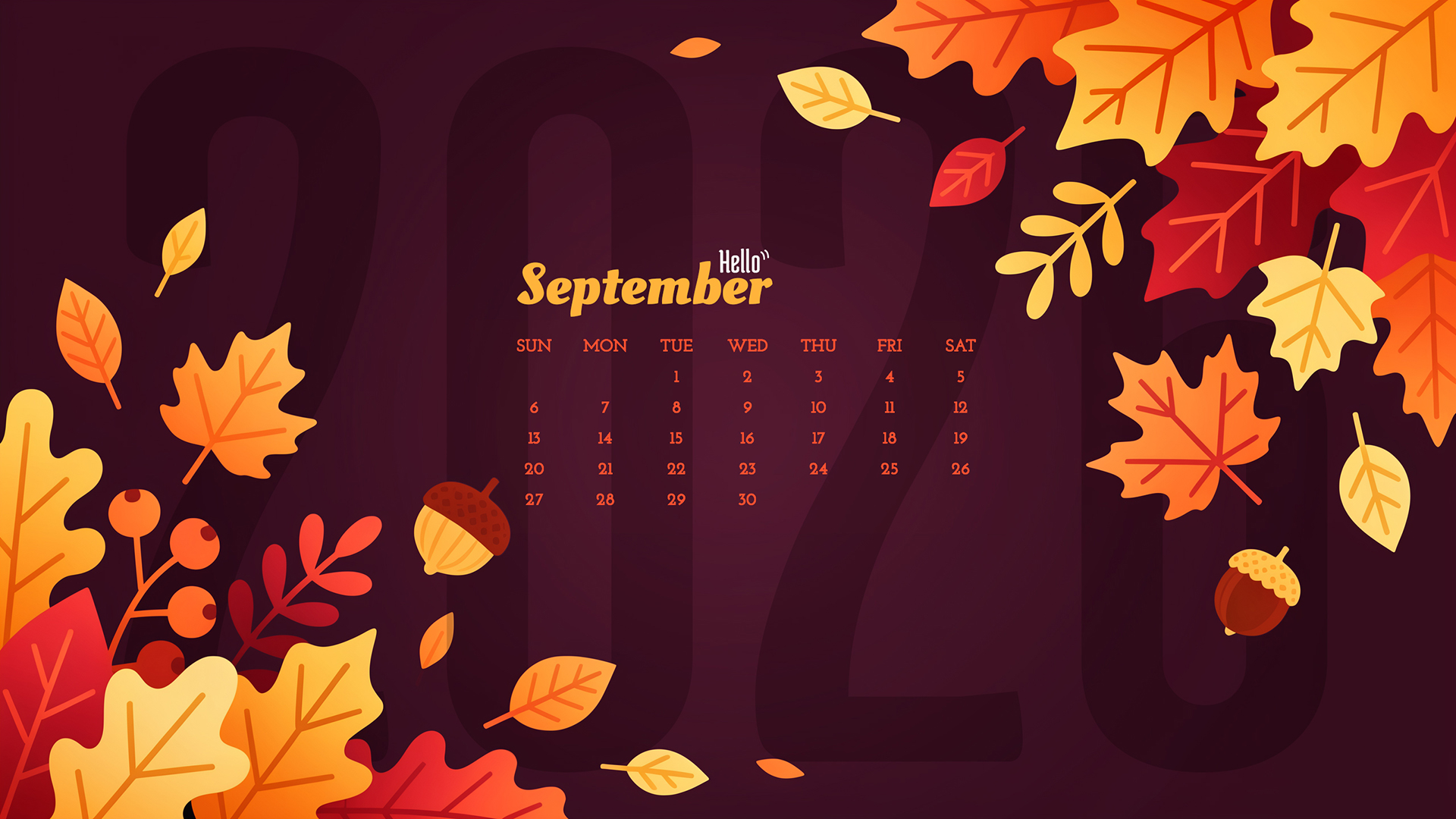
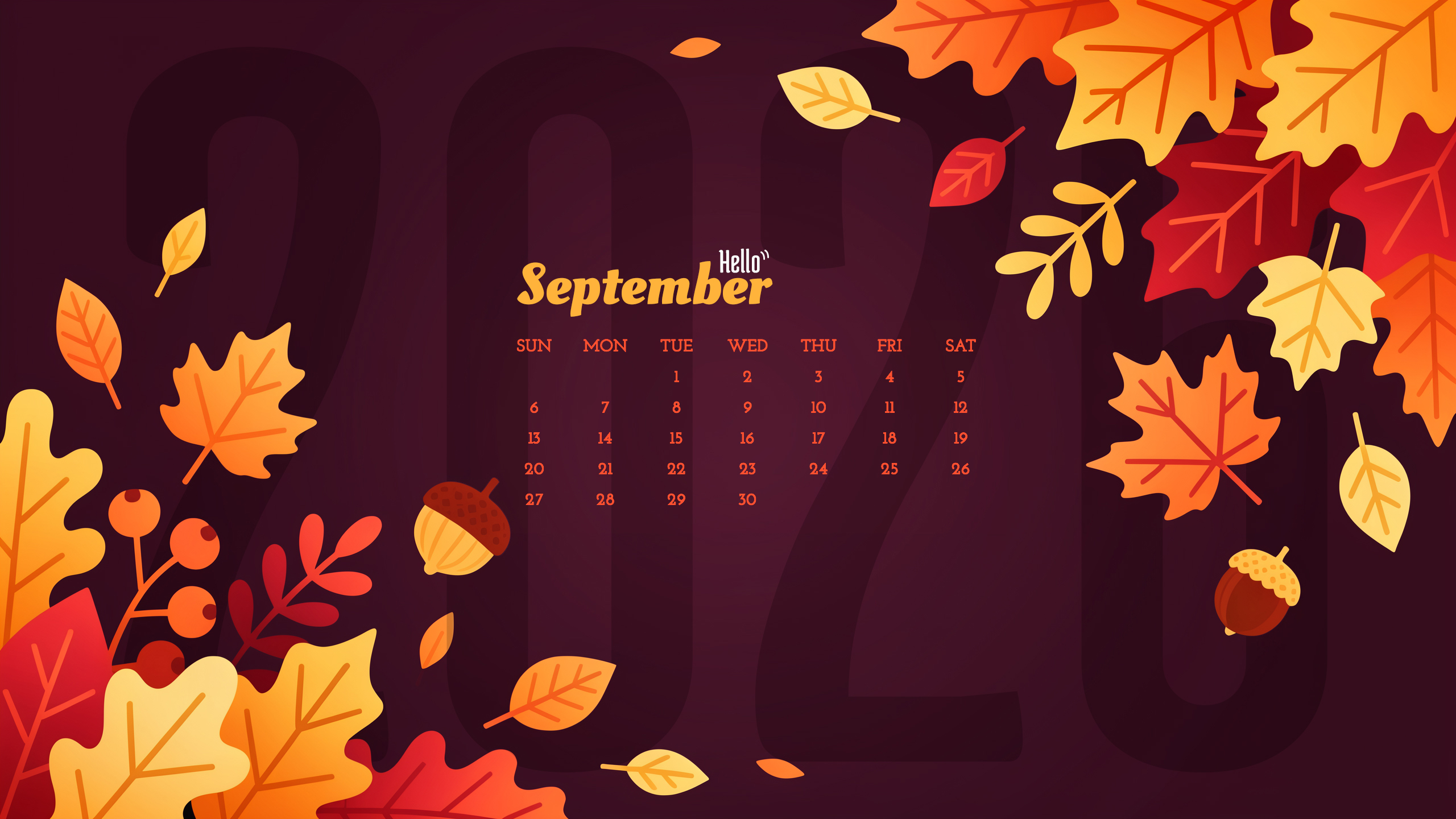
Hello September 2026 Calendar
This version is a bit more detailed. It has a dark, moody background that makes the bright fall leaves really pop. The orange, yellow, and red leaves look almost like they are glowing against the dark purple tones. It’s a very cozy and warm design, perfect for those long autumn evenings when you are working late. It gives your computer a very professional yet seasonal look that isn’t too loud.
Download: 1280×720 | 1920×1080 | 2560×1440
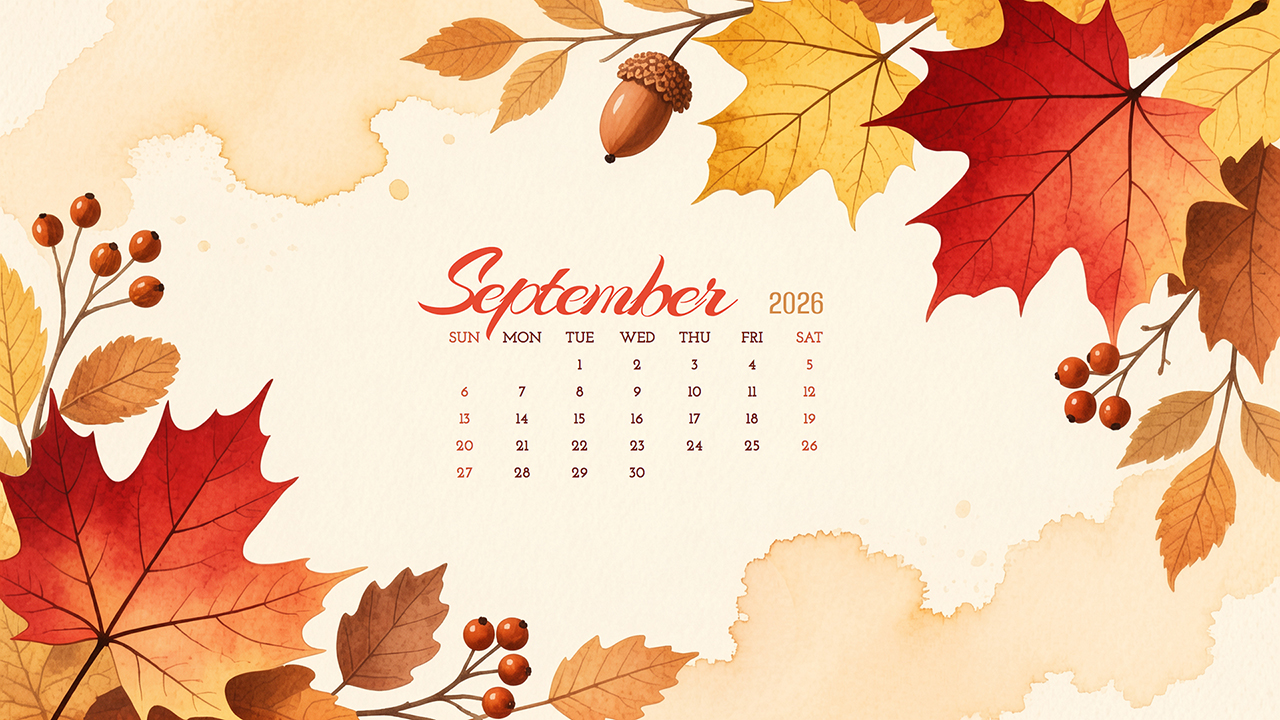
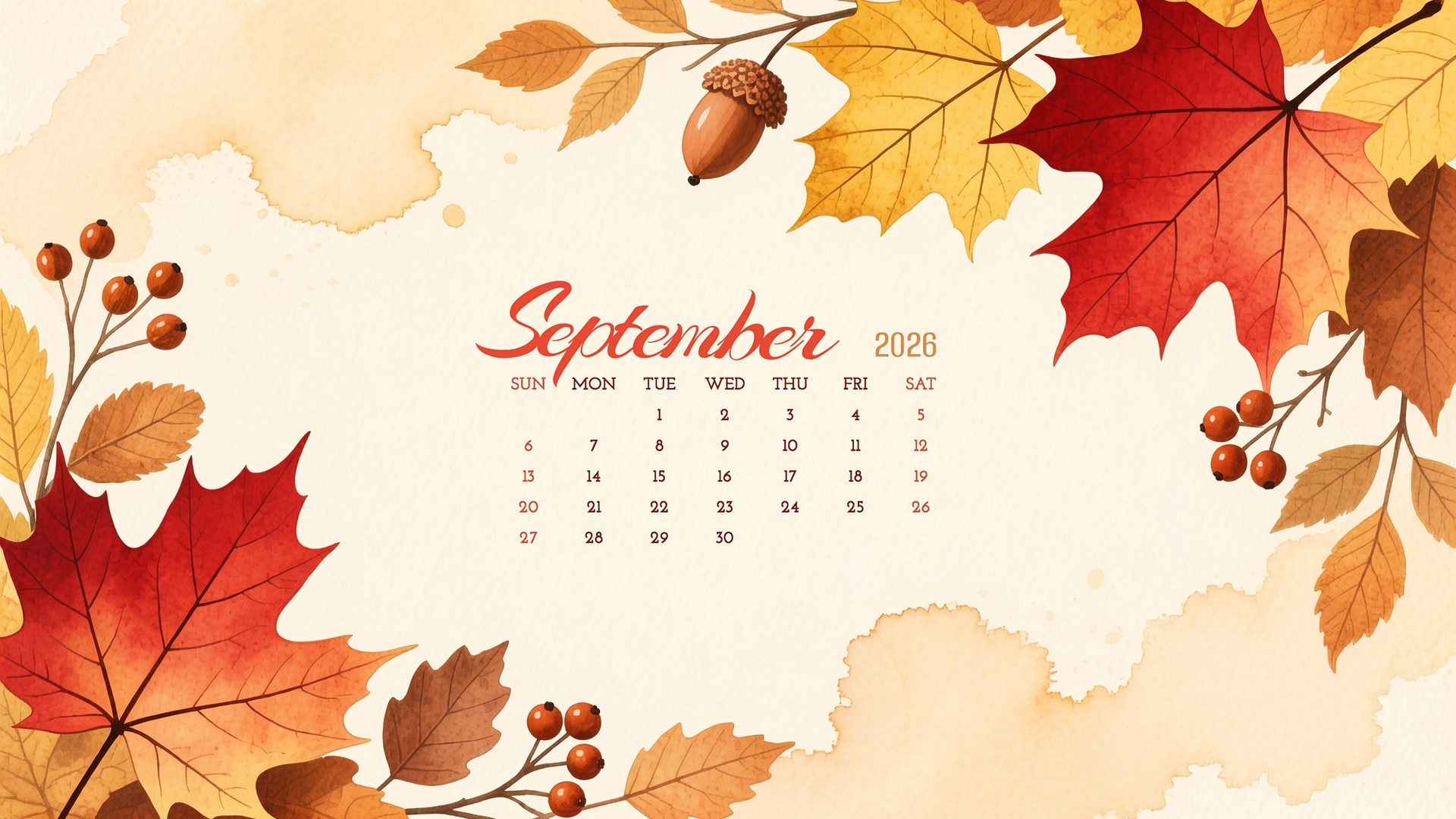
Fall September 2026 Watercolor Calendar
If you like art, you will love this one. It uses a watercolor style that makes everything look soft and hand-painted. You can see beautiful leaves and little acorns in warm brown and orange tones. The background has a light, creamy texture that looks like real watercolor paper. It is very relaxing to look at and is perfect if you want a more artistic and creative vibe for your workspace.
Download: 1280×720 | 1920×1080 | 2560×1440
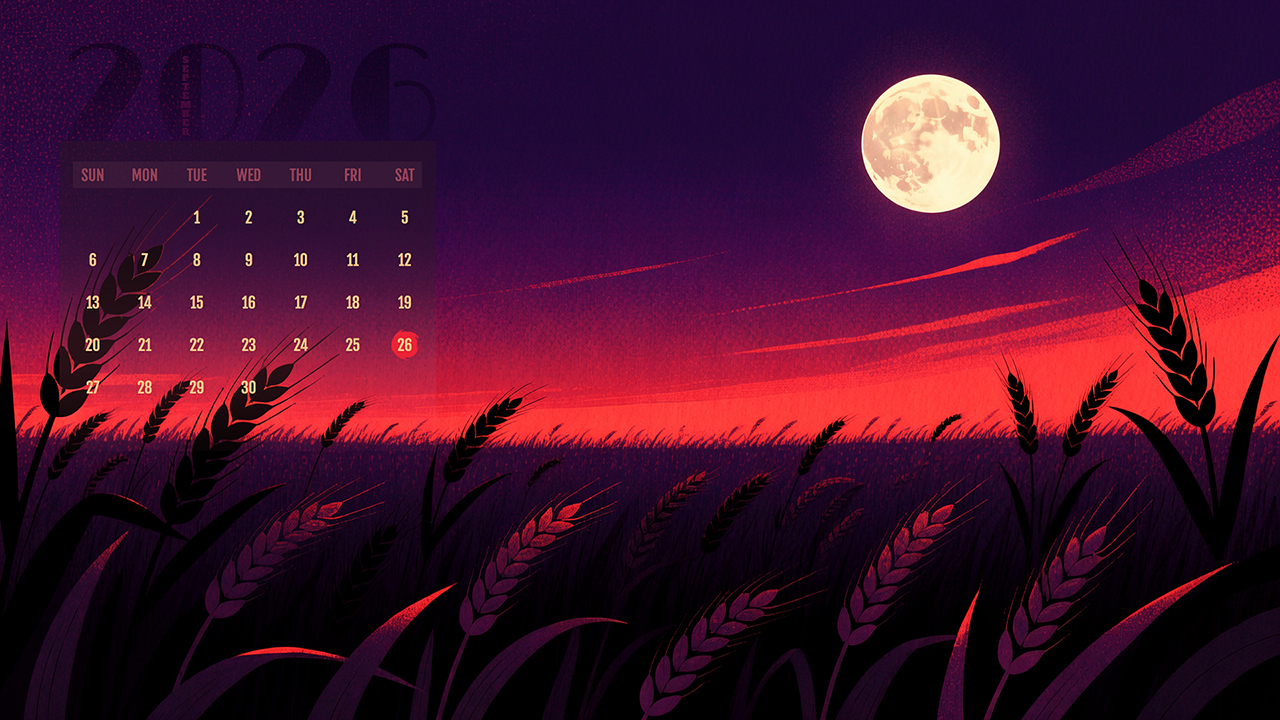
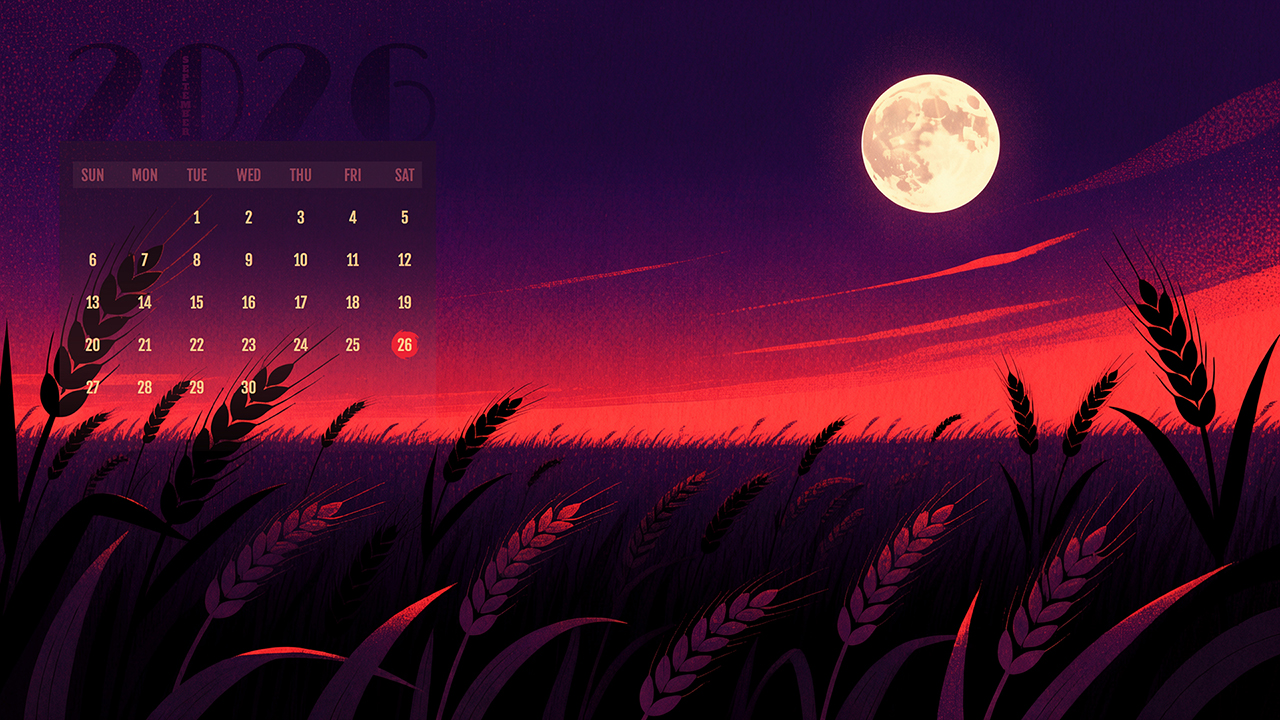
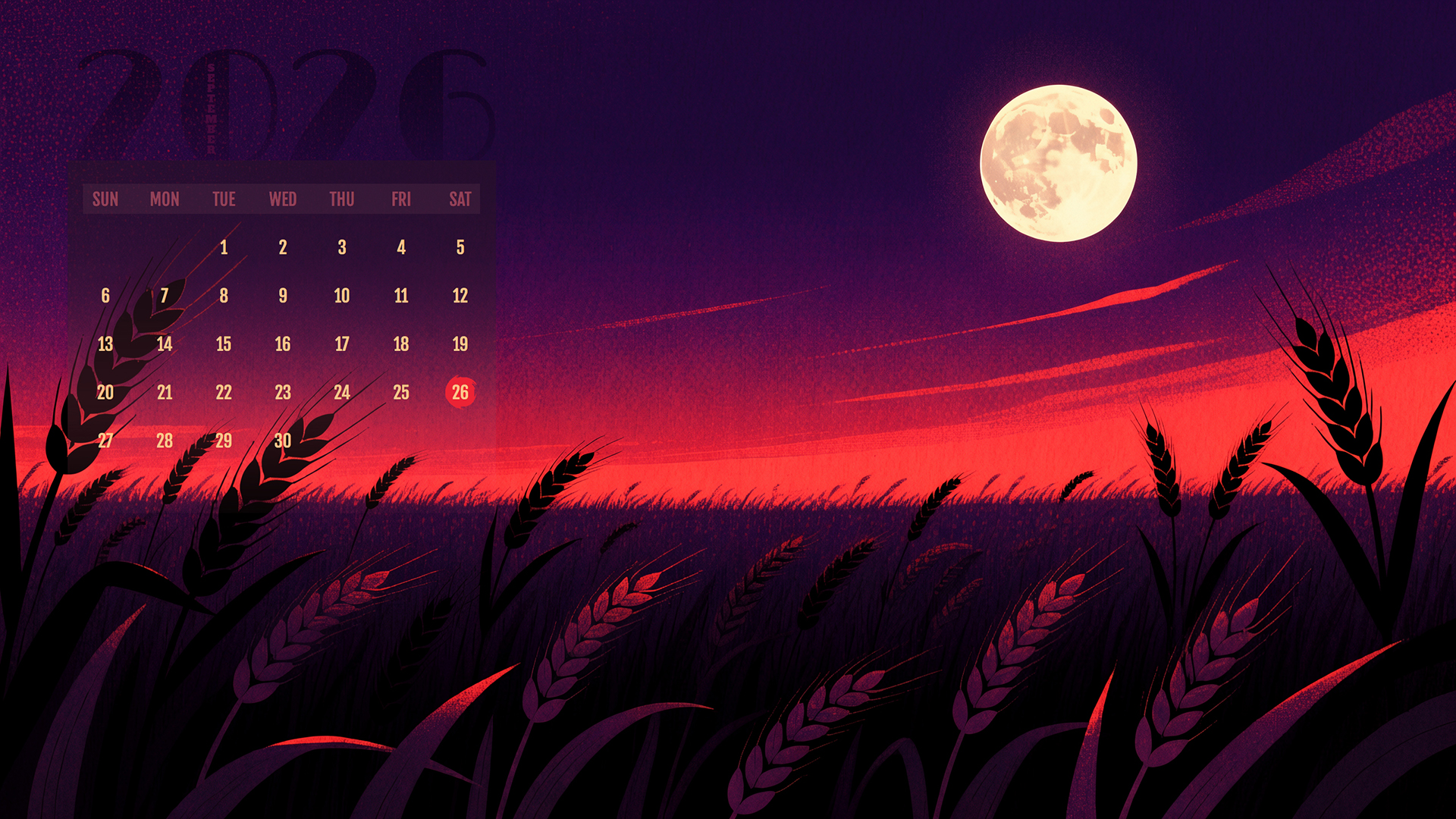
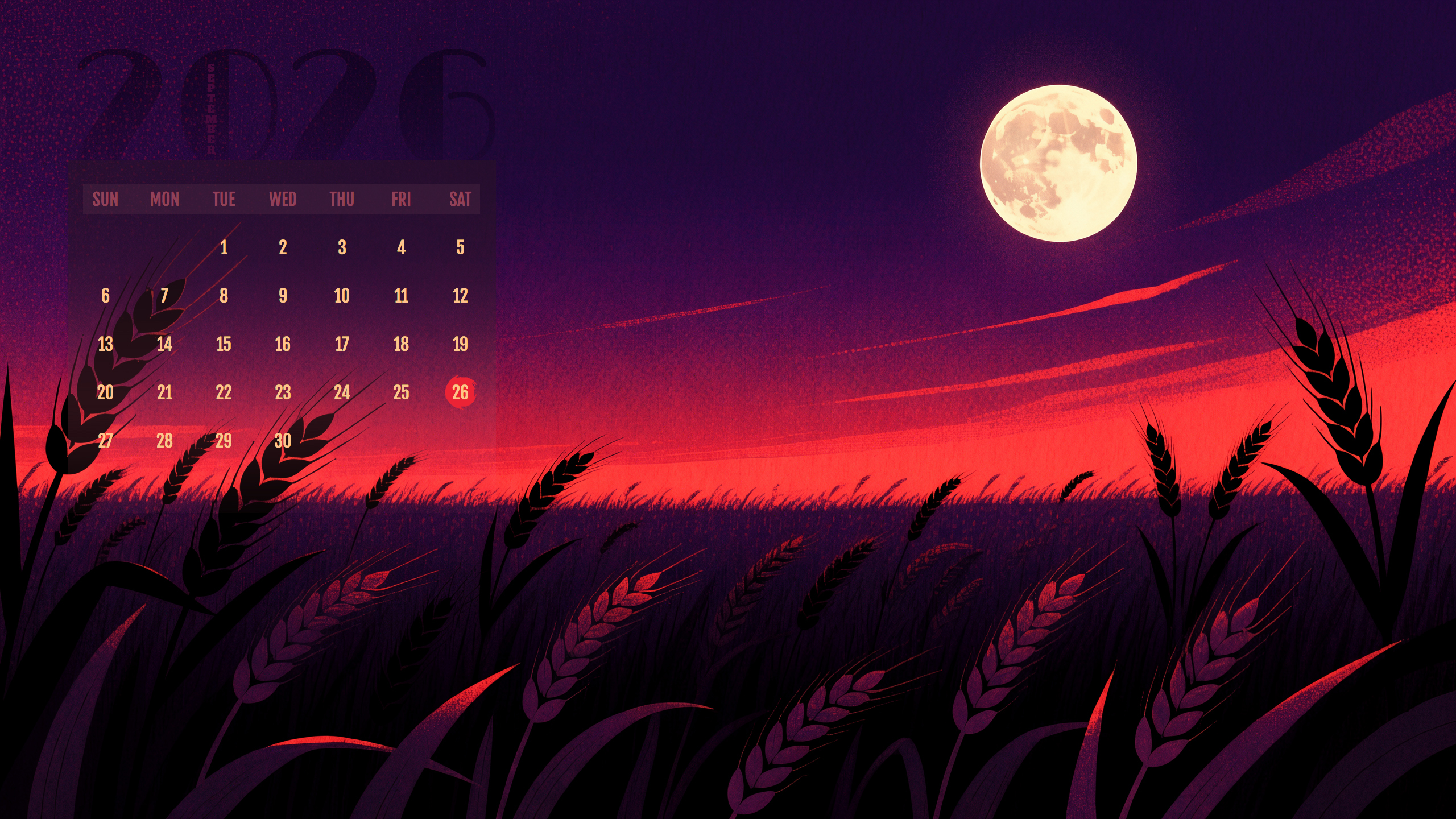
Corn Full Moon September 2026 Wallpaper
This is a very unique and cool wallpaper. It shows a dark, beautiful night scene with a huge, bright full moon in the sky. In the foreground, you can see stalks of corn or wheat, and the whole scene has a deep red and purple color palette. It feels very mysterious and calm. It is a great choice for people who like nature at night or want something a bit different from the usual bright leaf patterns.
Download: 1280×720 | 1920×1080 | 2560×1440
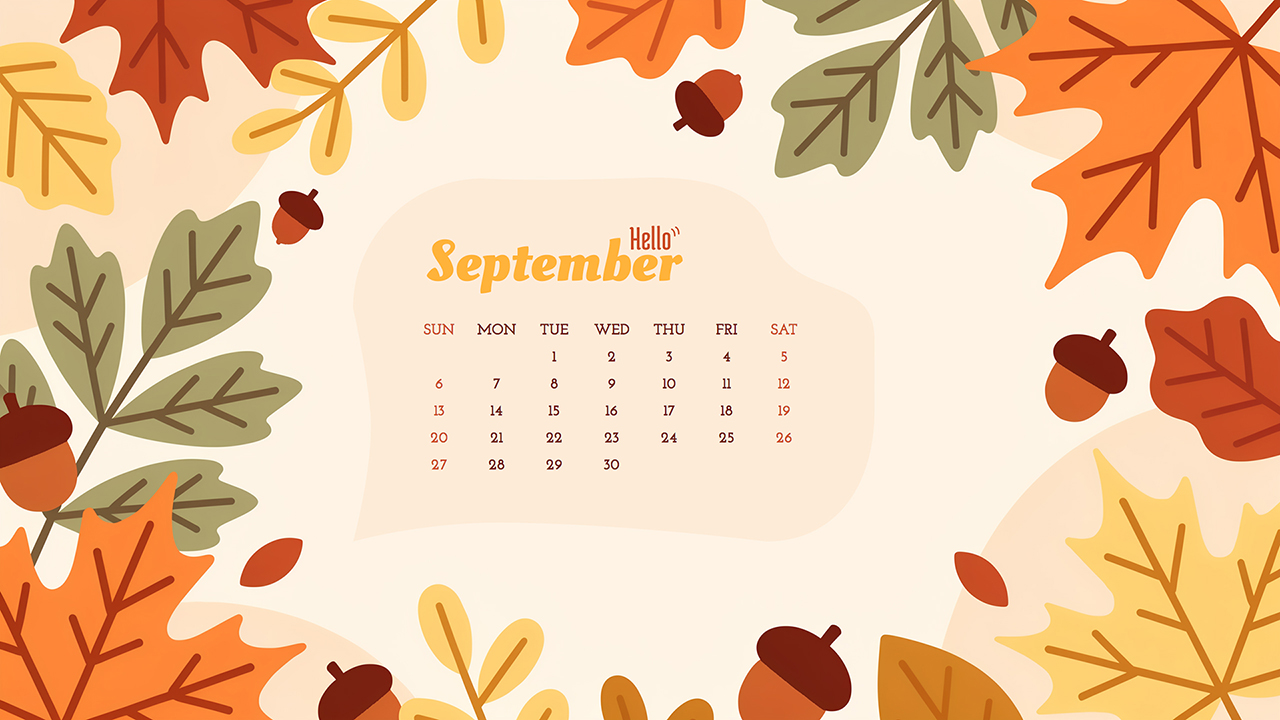
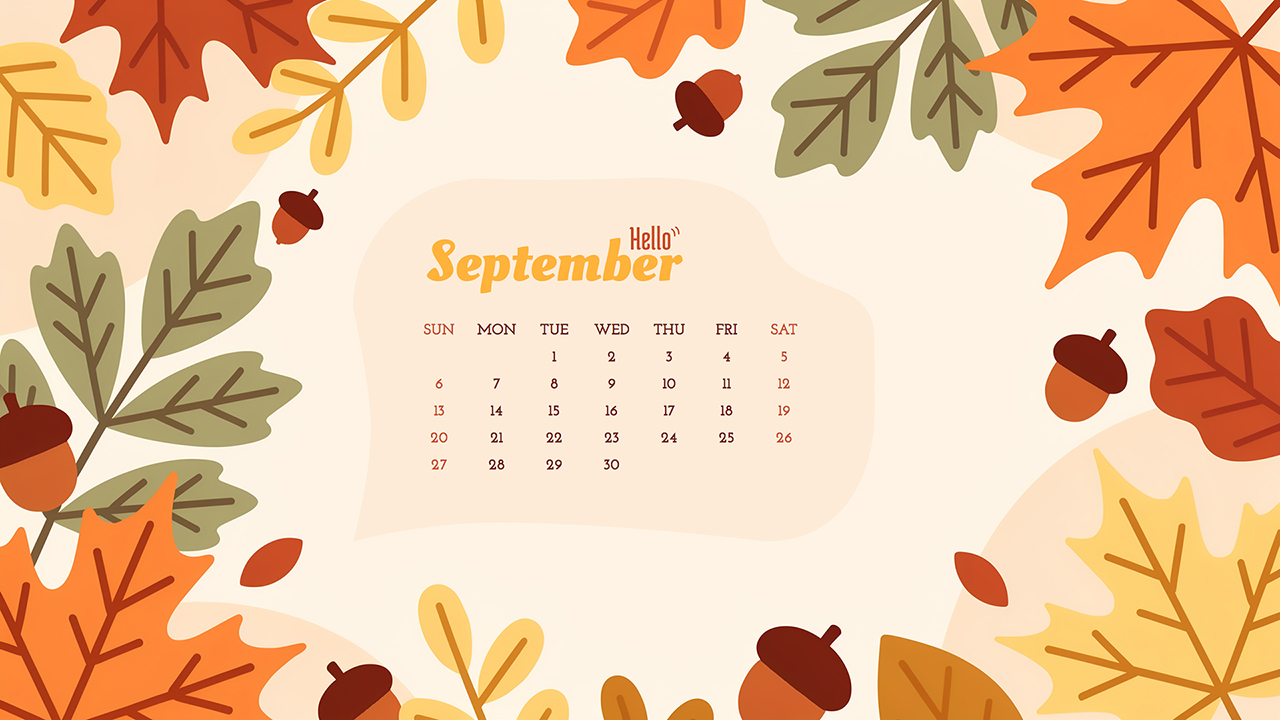
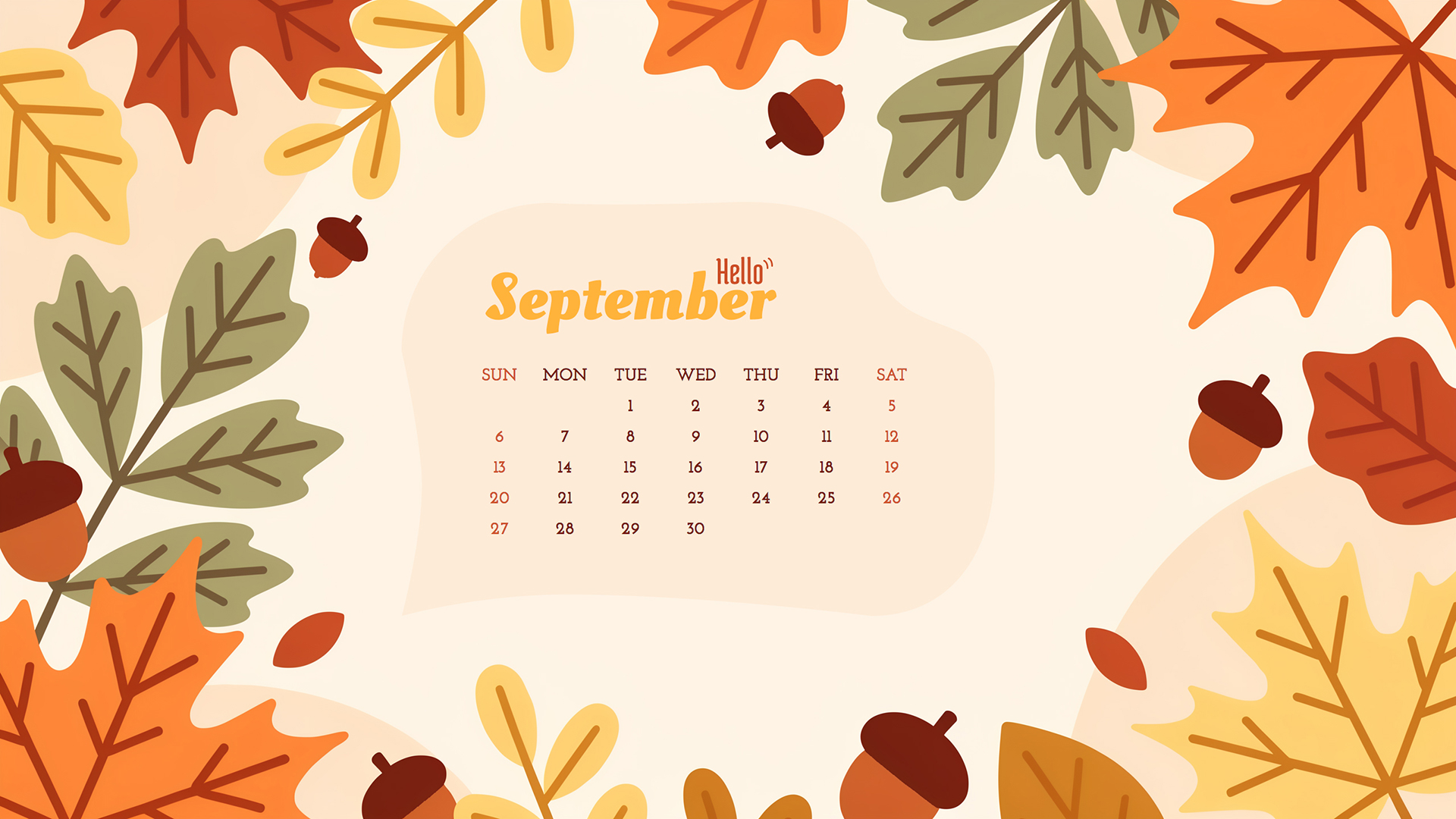
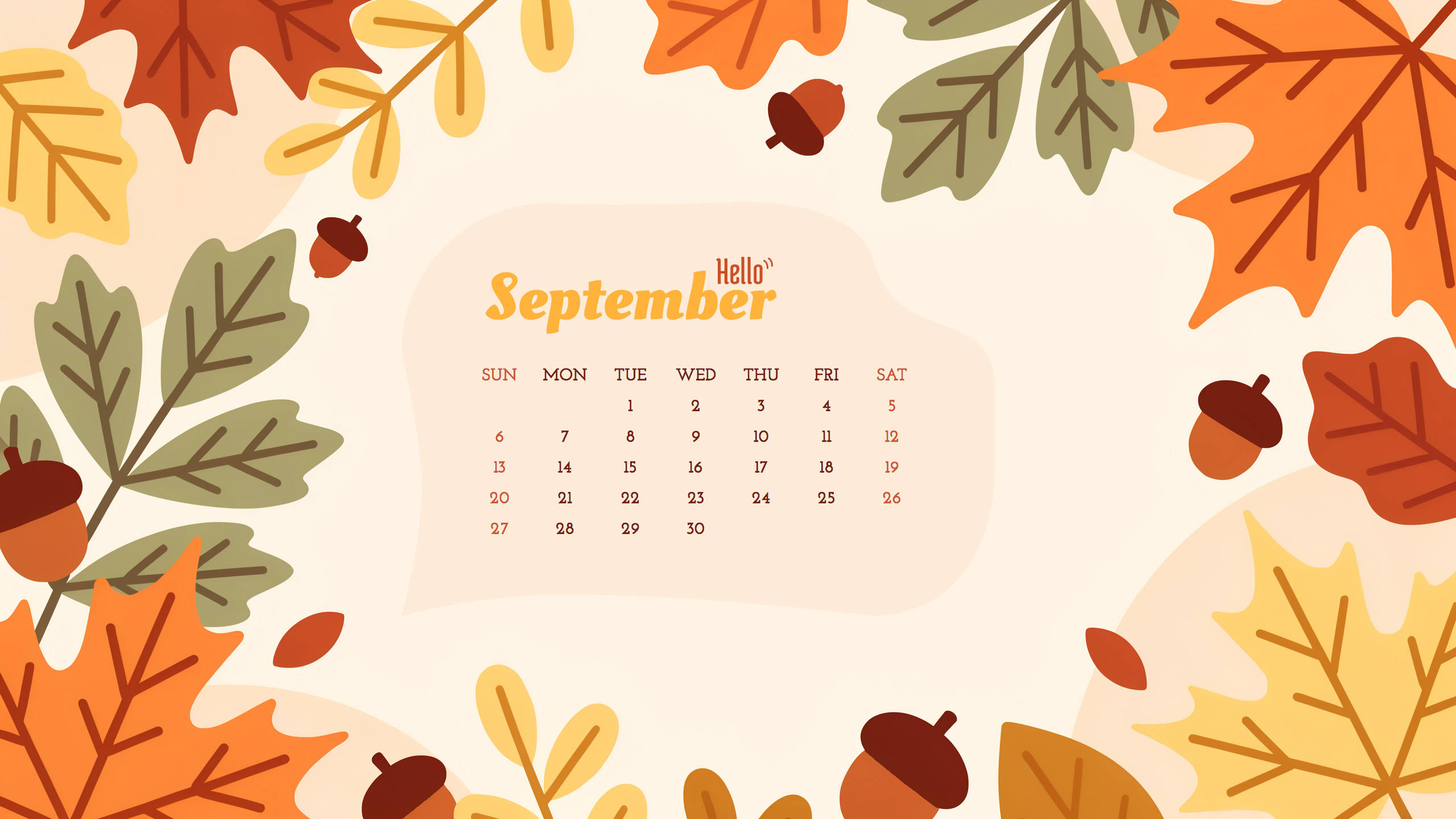
2026 September Calendar Wallpaper
This one is for people who like things simple. It is a very clean and straightforward calendar design. There aren’t any distracting decorations, just a clear view of the month. It’s perfect if you have a lot of icons on your desktop and you don’t want the background to make things look messy. It is easy to read and works well for anyone who just wants a functional and neat workspace.
Download: 1280×720 | 1920×1080 | 2560×1440
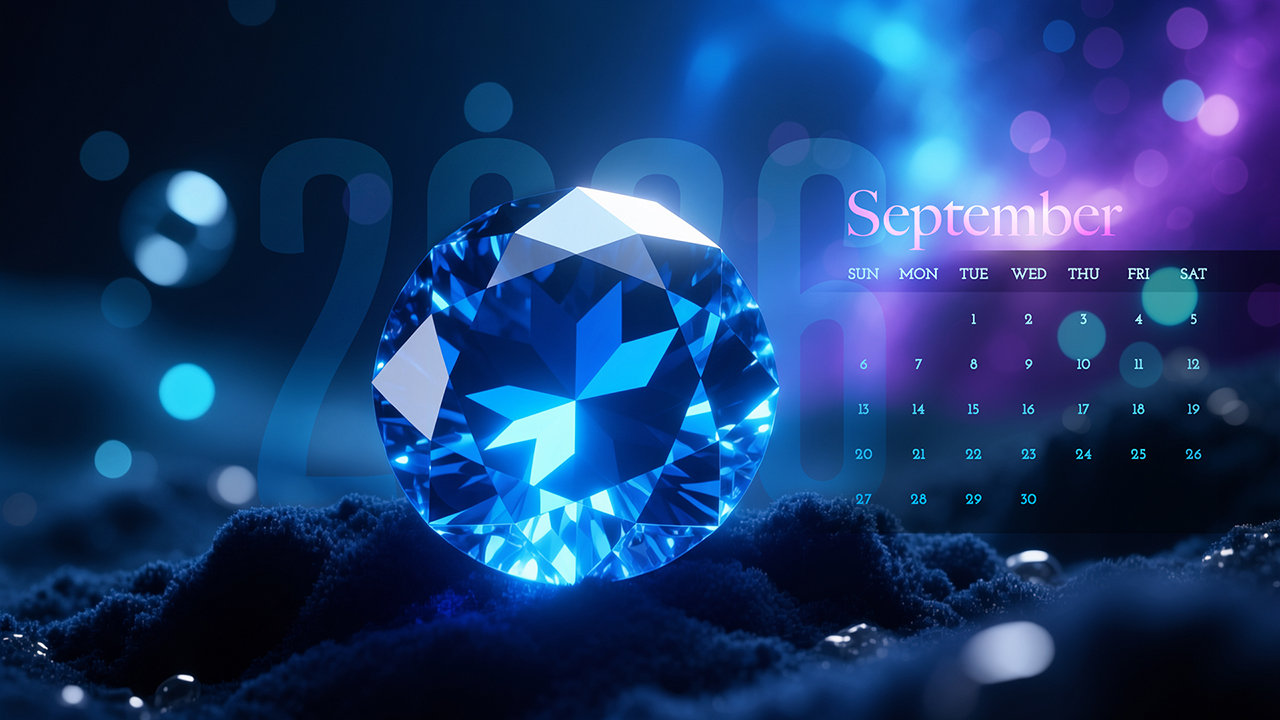
September Birthstone: The Sapphire Wallpaper
If you want something elegant, this is it. It features a stunning, large blue sapphire gem that looks like it is sitting on a bed of dark, textured sand. The blue colors are very deep and rich, which makes it look very high-end. Since sapphire is the birthstone for September, it’s a lovely way to celebrate the month. It’s a very sophisticated look for your computer screen.
Download: 1280×720 | 1920×1080 | 2560×1440
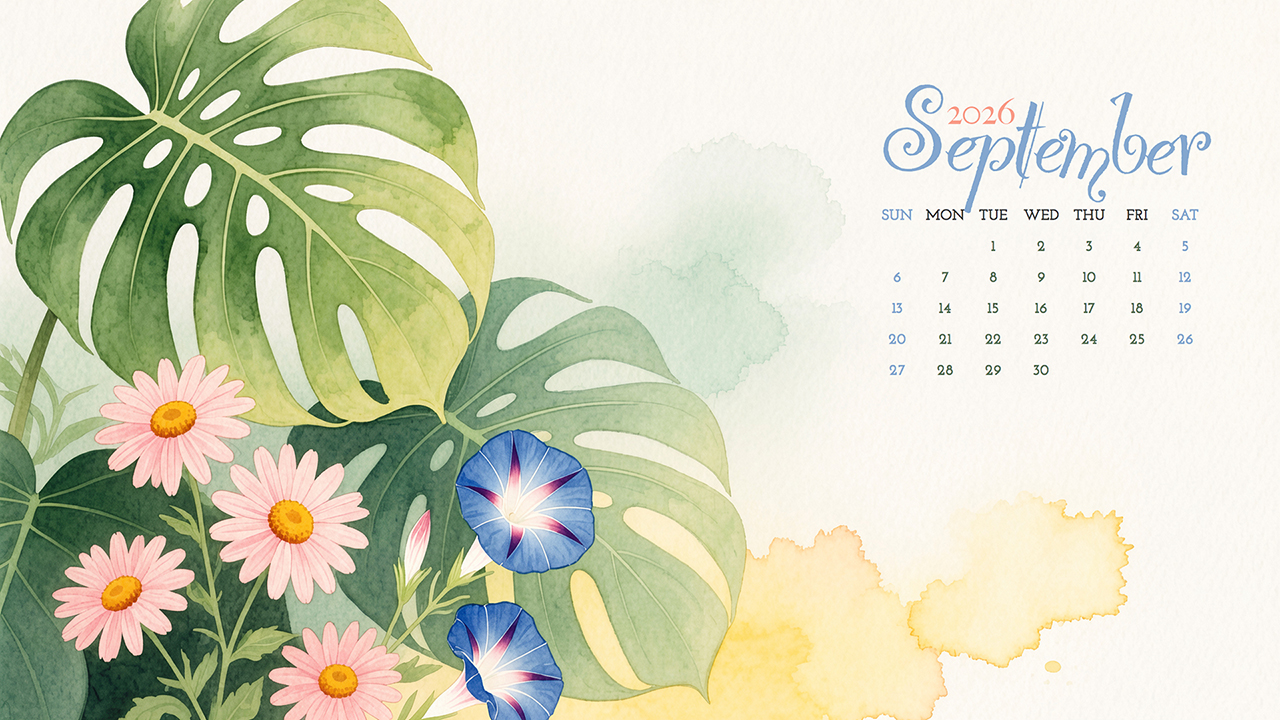
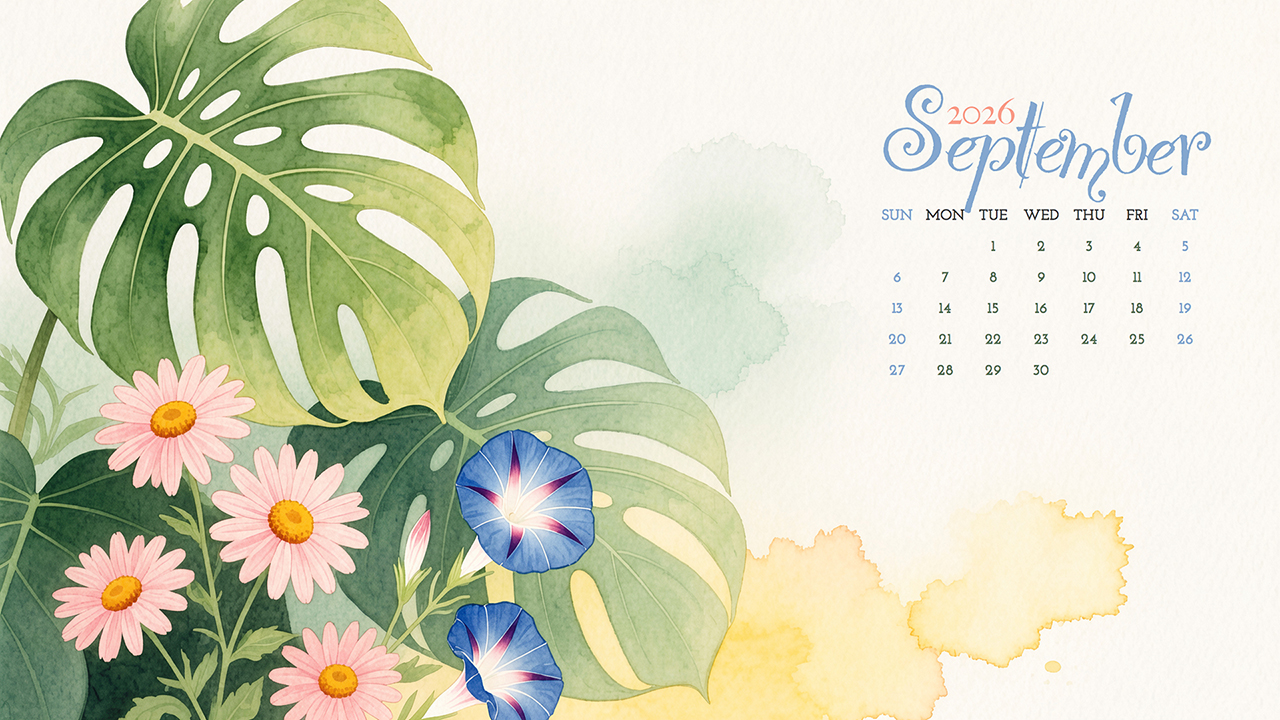
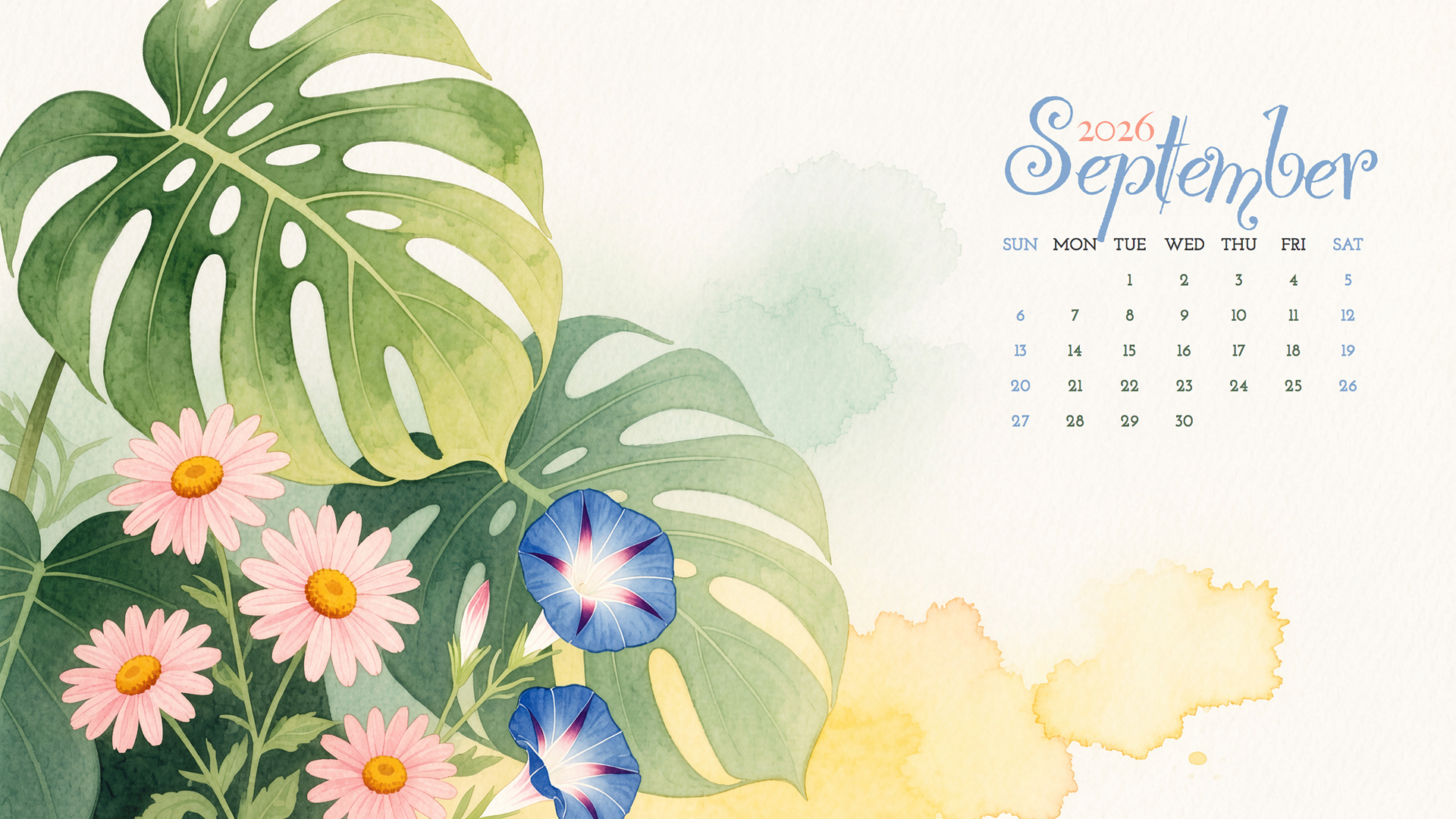
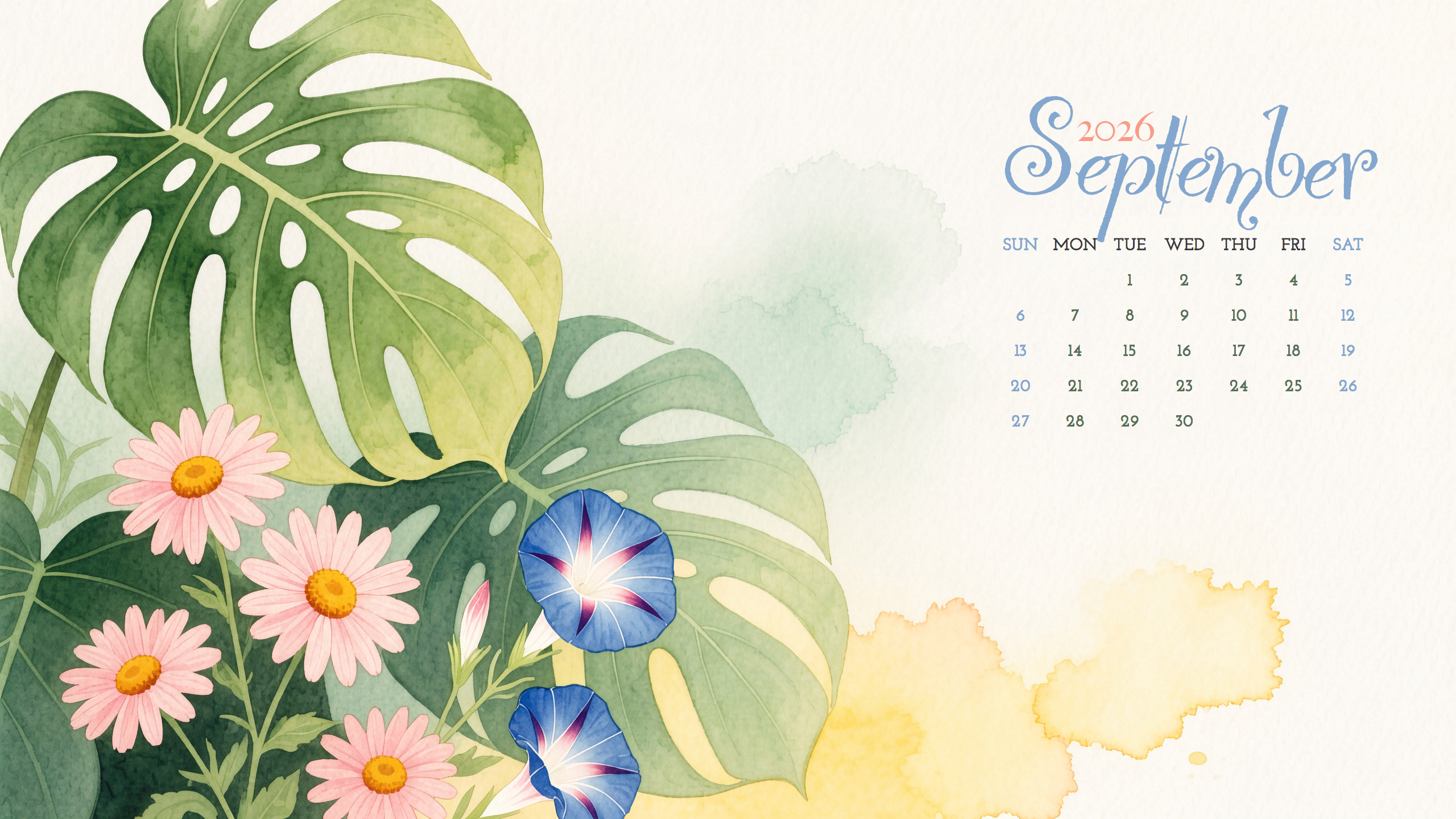
2026 September Birthflower Calendar
This wallpaper is very soft and pretty. It features beautiful pink flowers with yellow centers, similar to daisies, mixed with green leaves. The style is very light and airy, which makes the screen feel open and calm. It’s a great choice if you want to bring a bit of a garden feel to your desktop. It’s simple, colorful, and very pleasant to look at while you are working.
Download: 1280×720 | 1920×1080 | 2560×1440
2026 September Aesthetic Wallpaper
This is a very modern and “aesthetic” design. It uses soft, muted colors and a very clean layout. It isn’t busy or loud; instead, it feels very chill and relaxed. If you like the “minimalist” look that is popular on social media right now, this will be perfect for you. It looks great on any screen and helps keep your desktop looking very stylish and organized.
Download: 1280×720 | 1920×1080 | 2560×1440
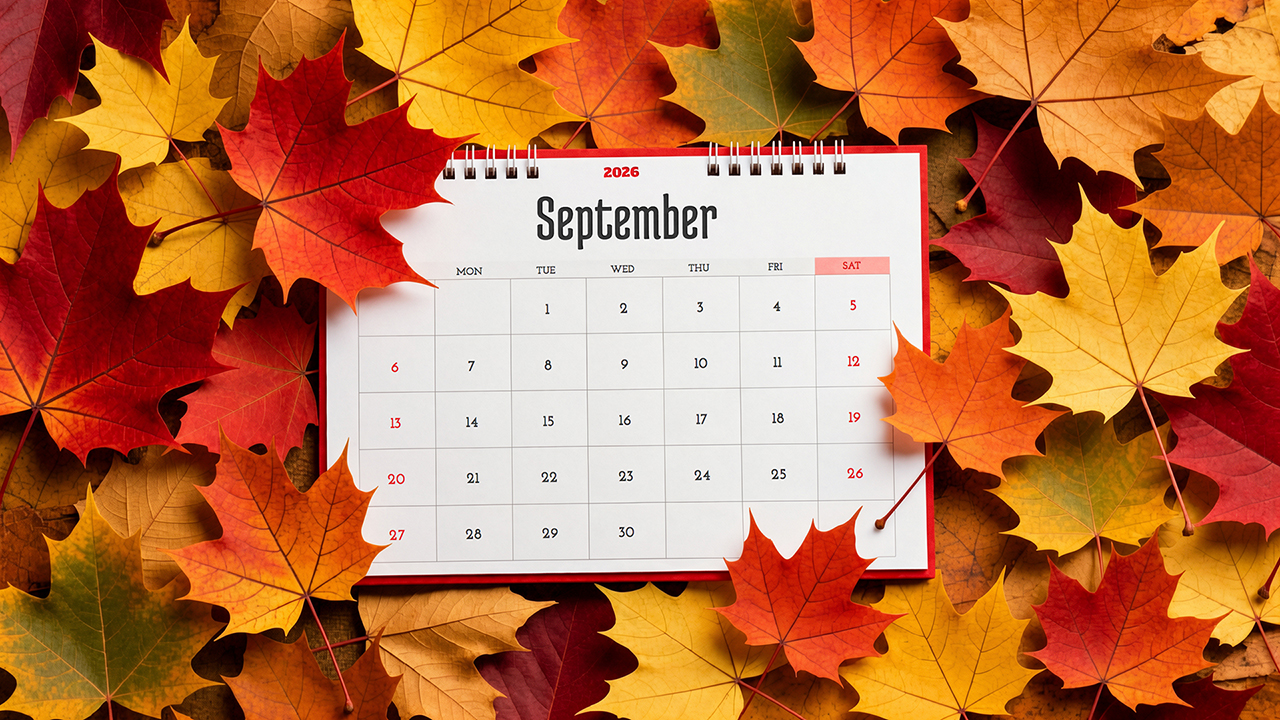
2026 Fall September Aesthetic Calendar
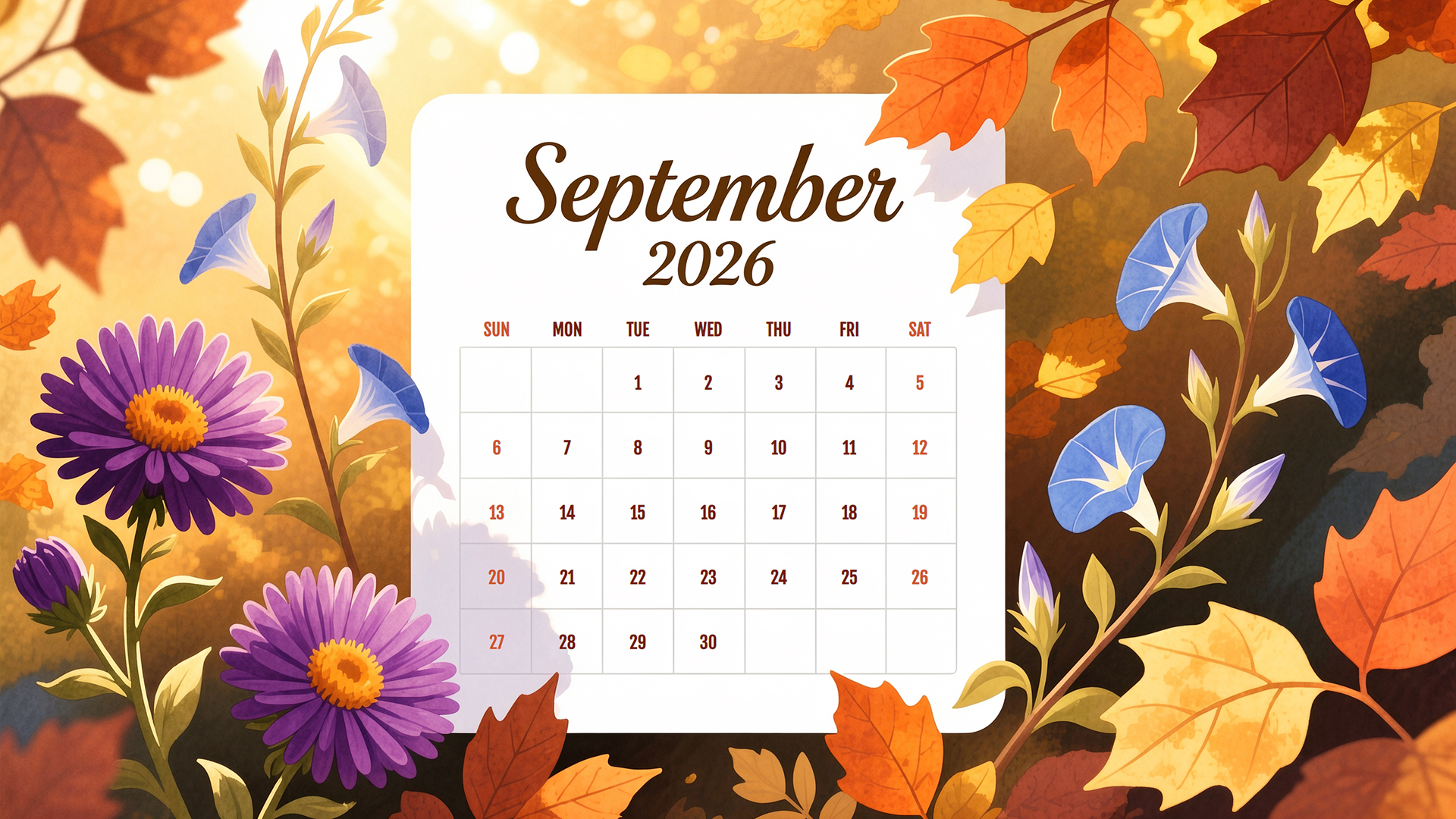
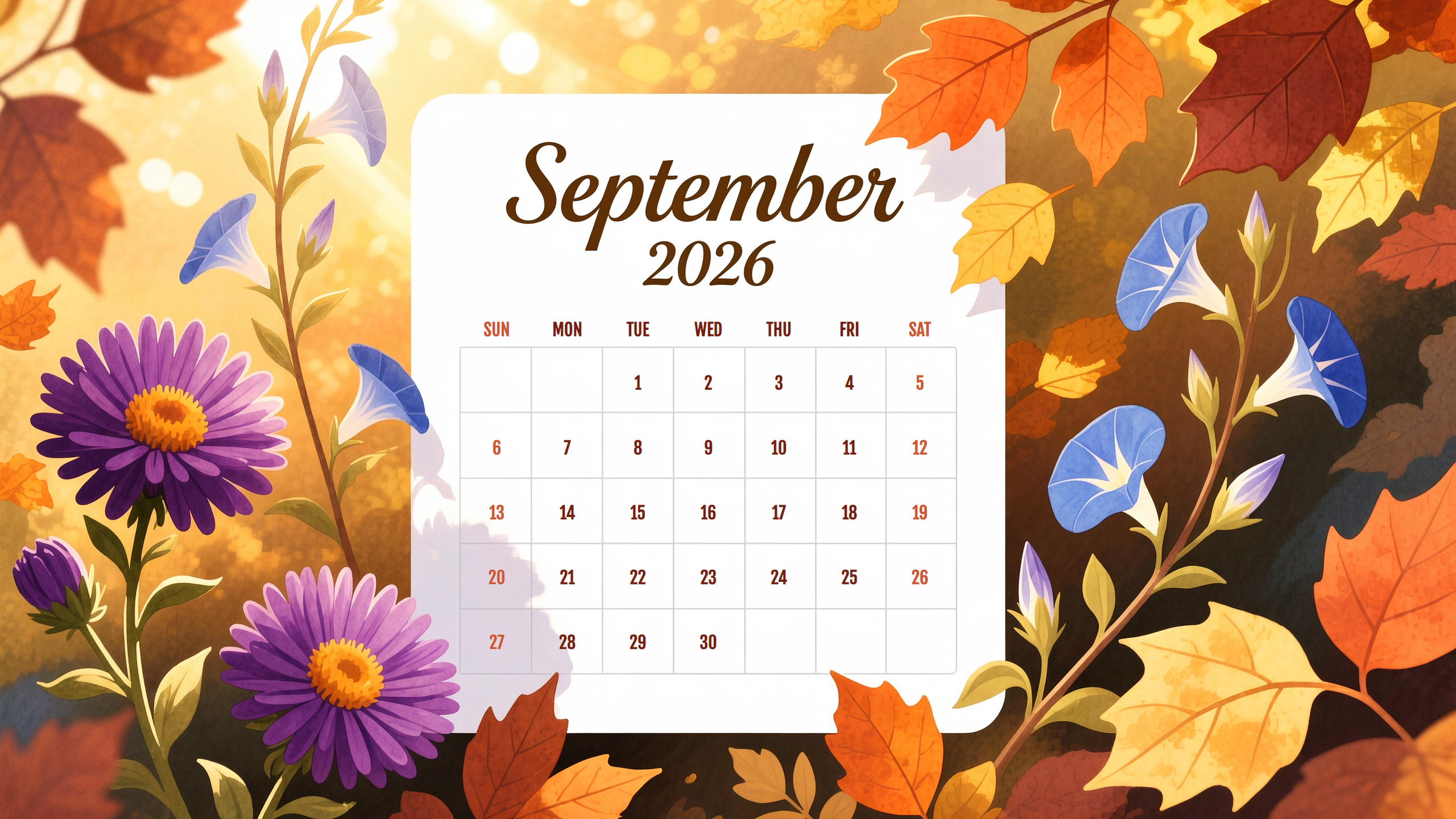
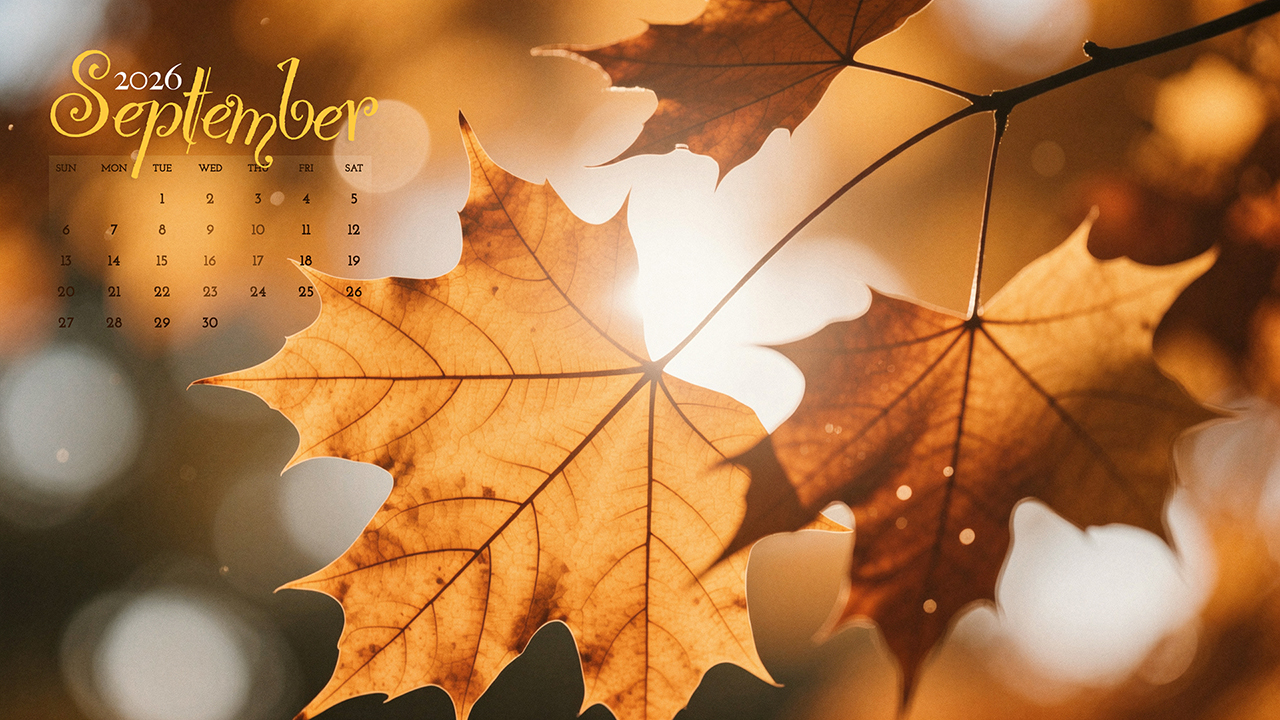
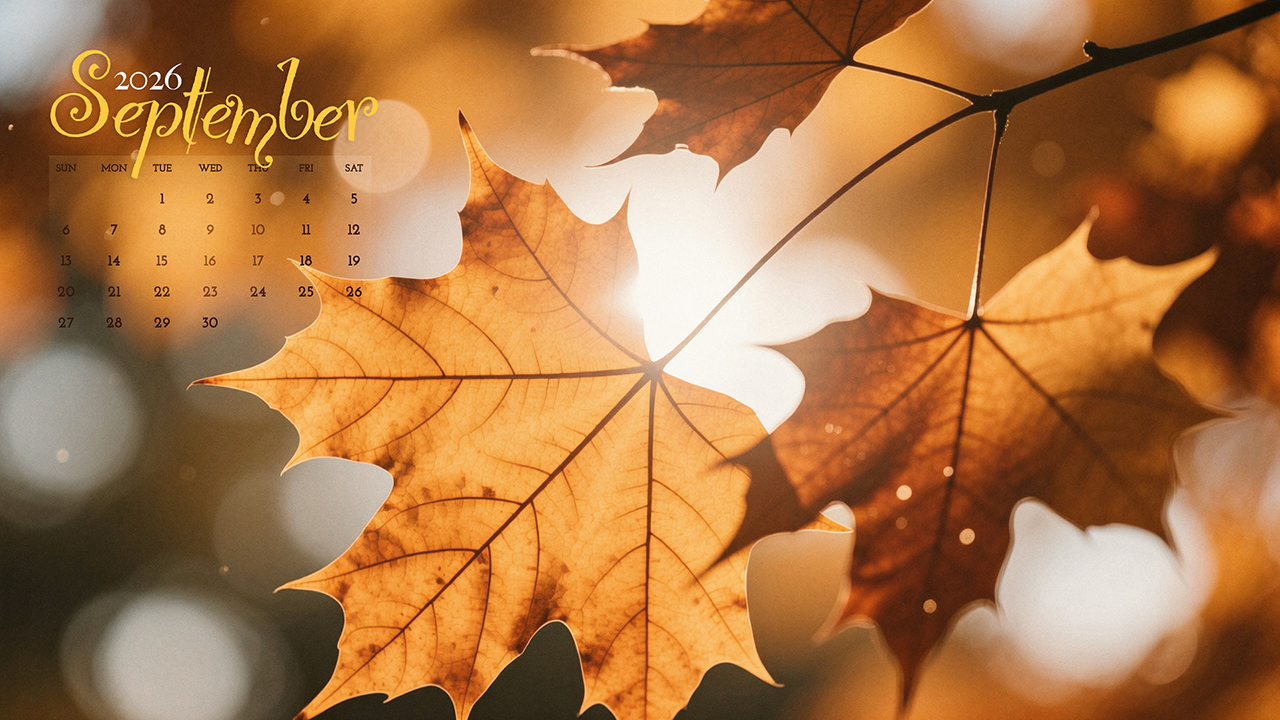
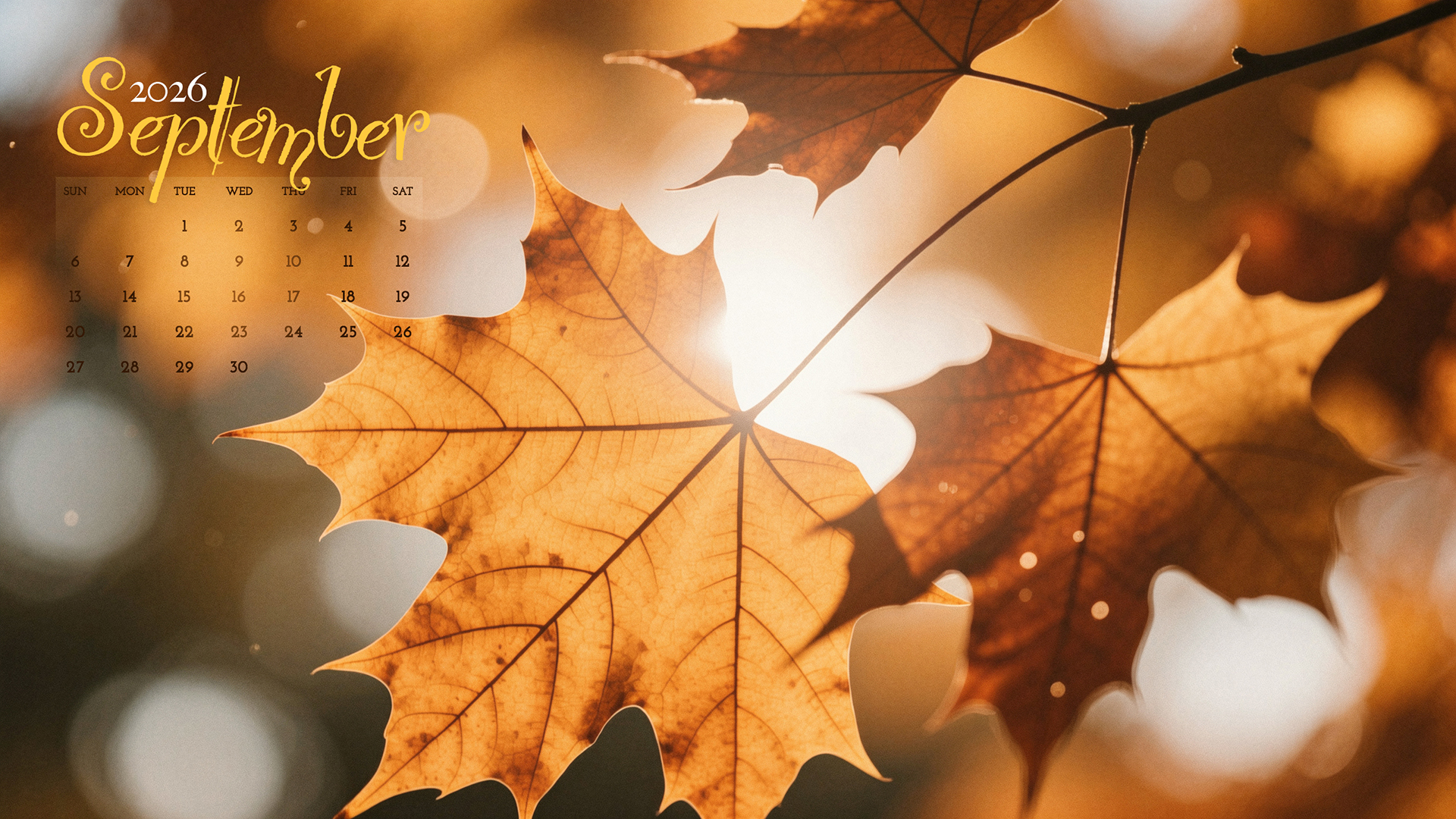
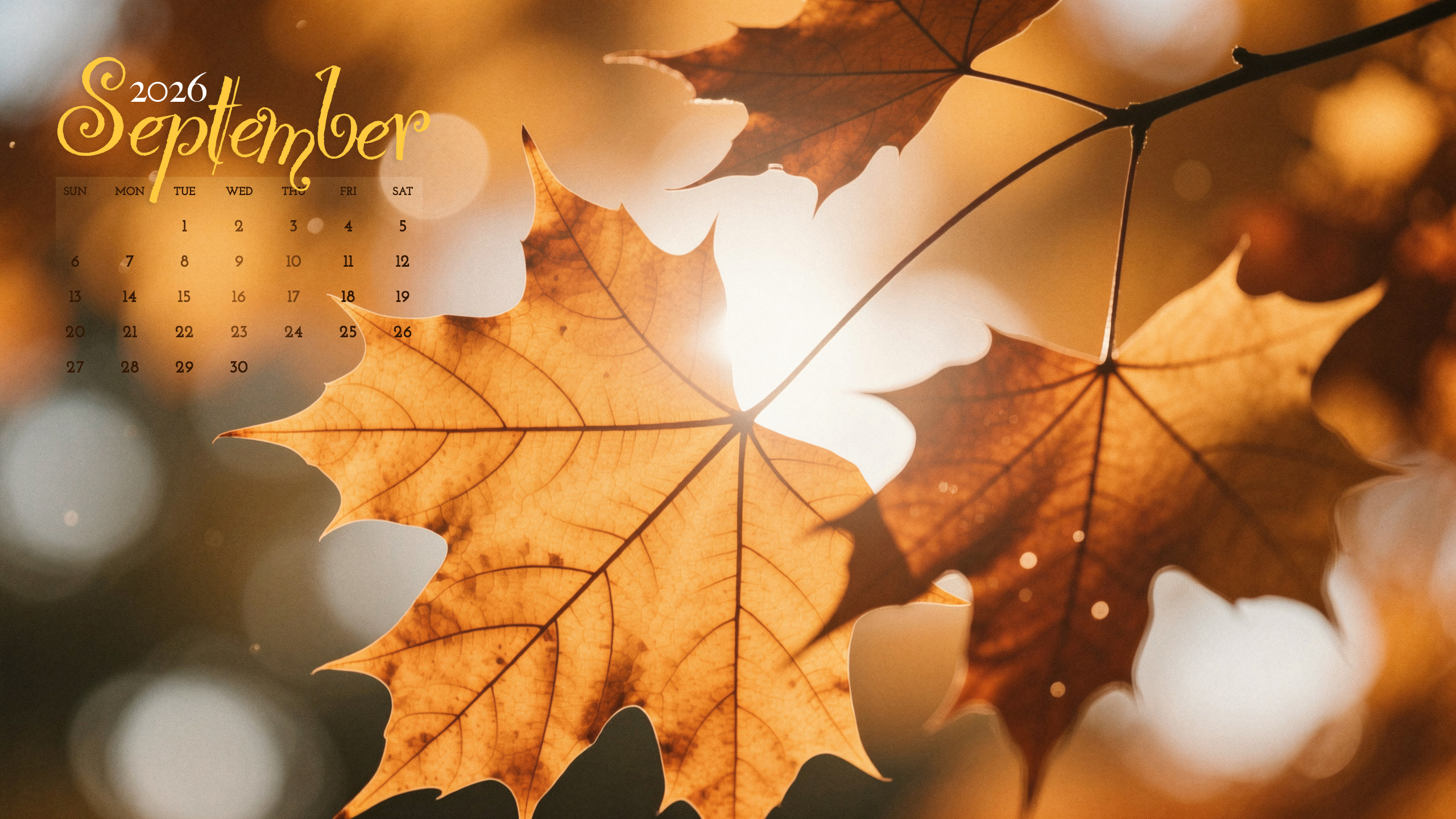
This final option is a wonderful mix of everything. It has a very cozy fall feel with warm tones and beautiful leaf patterns. The layout is very pleasing to the eye, combining a sense of nature with a clean, modern design. It’s perfect for anyone who wants their computer to feel a little more like a warm autumn afternoon. It is one of my personal favorites for staying cozy while working.
Download: 1280×720 | 1920×1080 | 2560×1440
How to Use and Apply the Wallpaper
Getting these onto your computer is very easy, no matter what system you are using. Here is a quick guide:
For Windows Users:
- In Windows Settings Settings , select Personalization
- Select Background
- Under Personalize your background, select one of the following options:
- Picture: Select a single image as your desktop background. You can choose from the default images or select Browse to select an image from your device.
For macOS Users:
- Go to the System Settings app on your Mac.
- Scroll down to Your Photos, click the Add Photo button, then do any of the following:
- Add a photo from your Photos library: Click Choose from Photos, then select a photo.
- Add an image file: Click Choose File, select a file, then click Open. You can also drag an image from your desktop or a folder onto the thumbnail at the top of Wallpaper settings.
Once it is set, take a second to organize your icons. A beautiful wallpaper looks much better when your desktop isn’t covered in random files and folders!
I really hope you find a design here that you love! It was a lot of fun to put these together. Please feel free to download them and enjoy these free wallpapers. They are here for you to use and make your September a little bit brighter (or a little more cozy). Happy decorating!